Glossary

What is Google Analytics?

Google Analytics is a free web analytics service offered by Google that tracks and reports website traffic, user behavior. And conversion data. Google Analytics helps businesses and website owners understand how visitors interact with their sites, measure marketing campaigns. And identify trends to improve performance and user experience.

Reviewed by SeoAgencyElPasoTX.comSources reviewed: Google Analytics Help Center, Google Analytics Academy

Quick Facts About Google Analytics

Category

Web analytics tool

Used for

Tracking website traffic and user behavior

Common confusion

Often mistaken for Google Search Console, which focuses on search performance

Also called

GA, Google Analytics 4

Often discussed with

SEO Analysis, Digital Marketing

Key Takeaways About Google Analytics

Understanding Google Analytics

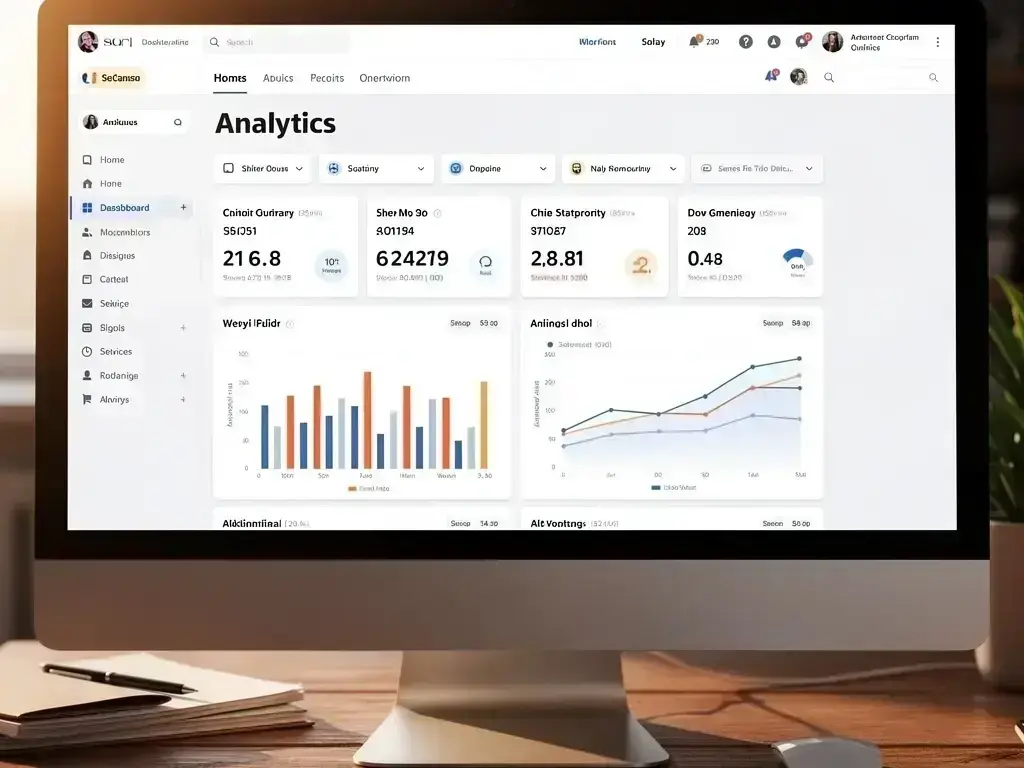
Google Analytics in SEO Agency: Google Analytics is a free web analytics service offered by Google that—visual guide

Google Analytics is a powerful tool that helps website owners and marketers understand how people use their sites. It collects data about visitors, such as where they come from, which pages they visit, how long they stay. And what actions they take. This information is organized into reports that show trends over time, allowing businesses to see what’s working and what needs improvement.

Related glossary terms: Organic Traffic, Click-Through Rate, Bounce Rate.

Setting up Google Analytics involves adding a small piece of tracking code to a website. Once installed, the code sends data to Google’s servers every time someone visits the site. The tool works across all types of websites, including blogs, e-commerce stores. And business sites. It also integrates with other Google services, like Google Ads, to provide a complete picture of online performance.

How Google Analytics Works?

Google Analytics tracks visitors using a combination of cookies, tracking codes. And data processing. When a user lands on a website, the tracking code collects information about their device, browser, location. And behavior. This data is sent to Google’s servers, where it's processed and turned into reports. The reports are organized into categories like audience, acquisition, behavior. And conversions, making it easy to analyze different aspects of website performance.

The audience reports show who is visiting the site, including demographics like age, gender. And interests. Acquisition reports reveal how visitors found the site, such as through search engines, social media. Or paid ads. Behavior reports track what visitors do on the site, like which pages they view and how long they stay. The result matters. Conversion reports measure actions that matter to businesses, such as purchases, form submissions. Or downloads. Together, these reports help businesses make data-driven decisions.

Why Google Analytics Matters?

How Google Analytics applies to SEO Agency services in El Paso, United States—practical illustration

Google Analytics matters because it turns raw data into actionable insights. Without this tool, businesses would have to guess what’s working on their websites. For example, if a blog post gets a lot of traffic, Google Analytics can show where those visitors came from and what other pages they viewed. This helps businesses create more content that their audience enjoys. Similarly, if a marketing campaign isn’t performing well, the tool can identify where visitors are dropping off, allowing businesses to make adjustments.

Another key benefit is the ability to track conversions. Whether the goal is selling products, generating leads. Or getting sign-ups, Google Analytics can measure how well a website is achieving these goals. It also helps businesses understand their audience better. So they can tailor their content and marketing efforts to meet their visitors’ needs. Over time, this leads to better user experiences, higher engagement. And increased revenue.

When Google Analytics Matters Most?

Google Analytics is especially important during key moments in a business’s growth. For example, when launching a new website, the tool can track how visitors interact with the site and identify any issues that need fixing. During marketing campaigns, it helps measure the return on investment (ROI) by showing which channels drive the most traffic and conversions. It’s also valuable for seasonal businesses, like those in retail or tourism, where traffic patterns change throughout the year.

For businesses in competitive industries, Google Analytics provides a way to stay ahead by identifying trends and opportunities. For instance, if a competitor’s website starts attracting more visitors, the tool can help uncover why and suggest ways to improve. It’s also useful for testing changes to a website, such as new designs or content, to see how they affect user behavior. Without Google Analytics, businesses would have to rely on guesswork, which can lead to missed opportunities and wasted resources.


How to Evaluate Google Analytics?

Related Concepts Compared

Google Analytics vs. Google Search Console

Google Search Console focuses on search performance, like keyword rankings and crawl errors. While Google Analytics tracks website traffic and user behavior.

Google Analytics vs. Heatmaps

Heatmaps show where users click and scroll on a page. While Google Analytics provides numerical data about traffic, behavior. And conversions.

Expert Note

Google Analytics is most powerful when combined with clear business goals. Define what success looks like—whether it’s more sales, leads. Or engagement—and use the tool to measure progress toward those goals. Avoid getting overwhelmed by data; focus on the metrics that matter most to your business.

Common Mistakes or Myths About Google Analytics

  • Not setting up goals or conversions, which makes it hard to measure success.
  • Ignoring the audience reports, missing opportunities to understand visitors better.
  • Assuming all traffic is equal—some visitors are more valuable than others.
  • Forgetting to filter out internal traffic, which can skew data.
  • Relying on default reports without customizing them for specific needs.

Google Analytics in Practice: A Real-World Example

A local bakery in El Paso uses Google Analytics to track visitors to their website. They notice that most visitors come from social media. But few make online orders. By analyzing the behavior reports, they see that visitors spend a lot of time on the menu page but rarely click the order button. They decide to simplify the ordering process, leading to more sales.

Sources & Further Reading on Google Analytics

Related Services

Related Terms

Organic Traffic

Organic Traffic is the number of visitors who arrive at a website through unpaid search results on search engines like Google, Bing. Or Yahoo. These visitors find the site naturally by typing keywords into a search bar and clicking on non-advertisement links. Organic Traffic is a key indicator of how well a website ranks in search engines without relying on paid ads.

Click-Through Rate

Click-Through Rate is a digital marketing metric that measures the percentage of people who click on a specific link after seeing it. It's calculated by dividing the number of clicks by the number of times the link was shown (impressions) and multiplying by 100. Click-Through Rate helps assess how well an ad, email.

Bounce Rate

Bounce Rate is the percentage of visitors who leave a website after viewing only one page, without clicking any links or taking further action. It measures how quickly users exit a site, often indicating whether the content or user experience meets their expectations. A high Bounce Rate may signal poor engagement, slow loading times.

Google Search Console

Google Search Console is a free tool provided by Google that helps website owners, SEO professionals. And developers monitor, maintain. And troubleshoot their site’s presence in Google Search results. It provides data on search traffic, indexing status, crawl errors. And security issues, allowing users to optimize their site’s performance and visibility.

Schema Markup

Schema Markup is a standardized code language websites add to their HTML to help search engines understand the meaning of page content. Schema Markup tells search engines whether words on a page refer to a product, event, recipe, local business, review. Or other specific type of information, enabling richer search results like star ratings, prices. Or event dates.

SeoAgencyElPasoTX.com

Have Questions About Google Analytics?

Contact SeoAgencyElPasoTX.com for practical guidance on Google Analytics and related seo agency work in El Paso.