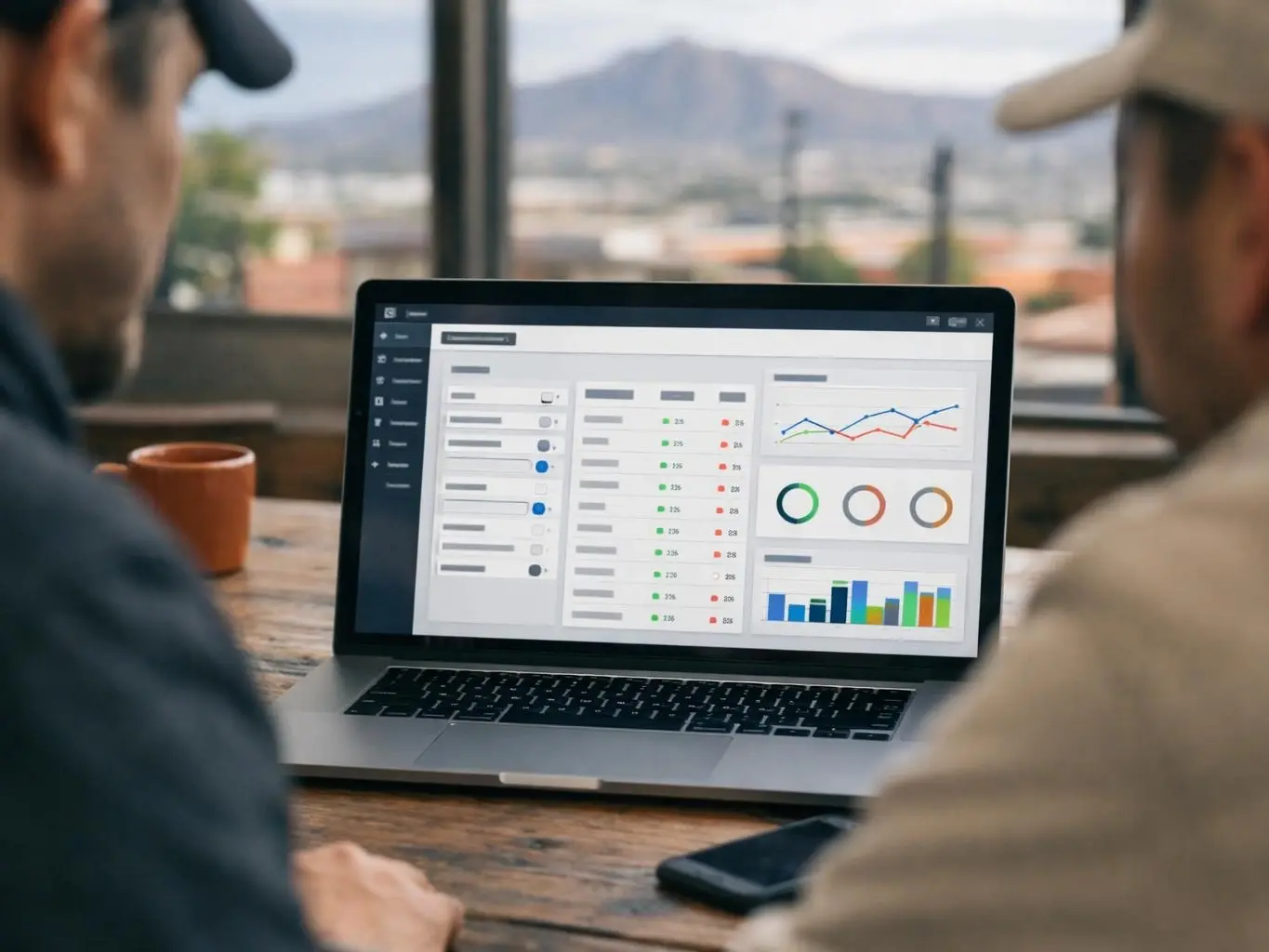
Google Search Console is a free tool provided by Google that helps website owners, SEO professionals. And developers monitor, maintain. And troubleshoot their site’s presence in Google Search results. It provides data on search traffic, indexing status, crawl errors. And security issues, allowing users to optimize their site’s performance and visibility.
Category
SEO and webmaster tool
Used for
Monitoring search performance and fixing website errors
Common confusion
Often mistaken for Google Analytics, which tracks user behavior instead of search indexing
Also called
GSC, Google Webmaster Tools
Often discussed with
SEO Services, Technical SEO

Google Search Console is a free tool. Google offers it to website owners. It shows how your site looks in Google Search.
Related glossary terms: Indexing, Search Engine Results Page, Crawl Budget.
It doesn’t track visitors like other tools. It shows how Google sees your pages. You learn what parts of your site Google can see.
You also see what needs work. It helps with search words people use. It shows clicks and errors too.
Anyone with a website can use it. Business owners can try it. So can SEO experts and web developers.
First, you must prove you own the site. You can upload a file to do this. Or add a DNS record. Google Analytics works too.
After that, you see reports. They show how Google looks at your pages. You learn how Google shows your site in search.
Google Search Console gathers data. It gets it from Google’s search index. Then it puts it in a simple dashboard.
It tracks key numbers. Impressions show how often your page appears. Clicks show how often people click on it.
Average position shows your rank. It tells you where your page shows up for searches. It also finds crawl errors.
Crawl errors happen when Google can’t see a page. It finds security problems too. These can be hacks or bad software.
You can send sitemaps to Google. This helps Google find new pages faster. It also helps with changes to old pages.
The tool sends alerts for big problems. These can be penalties or mobile issues. You can fix them fast.
Data updates every few days. Some reports may take a little longer.

Google Search Console is important. It gives you facts straight from Google. You learn how your site does in search.
Without it, you won’t know if Google sees your pages. You won’t know if errors hide your site. This tool shows those errors.
If your page isn’t showing up, it helps find why. The problem could be crawl errors. It could be duplicate content. Or it could be a penalty.
It helps you rank better too. It shows which searches bring people to your site. You can use this to make better content.
It also watches backlinks. These are links from other sites. It makes sure they are safe and not harmful.
Google Search Console helps with new sites. It makes sure Google can see your pages. It also helps with updates to old sites.
It finds errors from updates. These can be broken links. Or pages that are missing.
It helps if your rank drops. It sends alerts for bad links. It also alerts you for thin content.
You can fix problems before they get worse. Local businesses can use it too. It helps them show up in local searches.
This is good for places like El Paso, TX. They can see how they do in local searches.

Google Analytics tracks user behavior on a website, such as visits and session duration. While Google Search Console focuses on search performance and indexing.
An XML sitemap is a file that lists a website’s pages. While Google Search Console is the tool used to submit and monitor that sitemap.
Google Search Console data is not real-time; reports typically update every 2-3 days. Always cross-check critical issues with other tools to confirm trends before making major changes.
A local El Paso bakery notices a drop in online orders. Using Google Search Console, they discover that several product pages are not indexed due to crawl errors. After fixing the errors and resubmitting the pages, their search traffic improves, leading to more online orders.
Indexing is the process where search engines like Google discover, analyze. And store web pages in their databases so those pages can appear in search results. Indexing happens after a search engine crawls a page, checks its content and structure. And decides whether to include it in its index—a giant library of all known pages.
Search Engine Results Page is the webpage displayed by search engines like Google after a user enters a query. It lists clickable links, titles, descriptions. And other features such as ads, images. Or local business listings. The order of results depends on relevance, quality. And search engine algorithms designed to match user intent.
Crawl Budget is the number of pages a search engine like Google will scan and index on a website within a given time period. It balances the engine’s resources with the site’s importance, size. And update frequency. Websites with large or frequently updated content must manage their crawl budget to ensure key pages are discovered and ranked efficiently.
Backlink is a hyperlink from one website to another. Search engines like Google use backlinks as signals of trust and authority. When a reputable site links to another, it suggests the linked content is valuable and credible. Backlinks help websites rank higher in search results and attract more visitors.
XML Sitemap is a structured file written in Extensible Markup Language (XML) that lists all important pages on a website. XML Sitemaps help search engines like Google discover, crawl. And index web pages more efficiently by providing a roadmap of URLs along with metadata like last update date and priority level.
SeoAgencyElPasoTX.com
Contact SeoAgencyElPasoTX.com for practical guidance on Google Search Console and related seo agency work in El Paso.