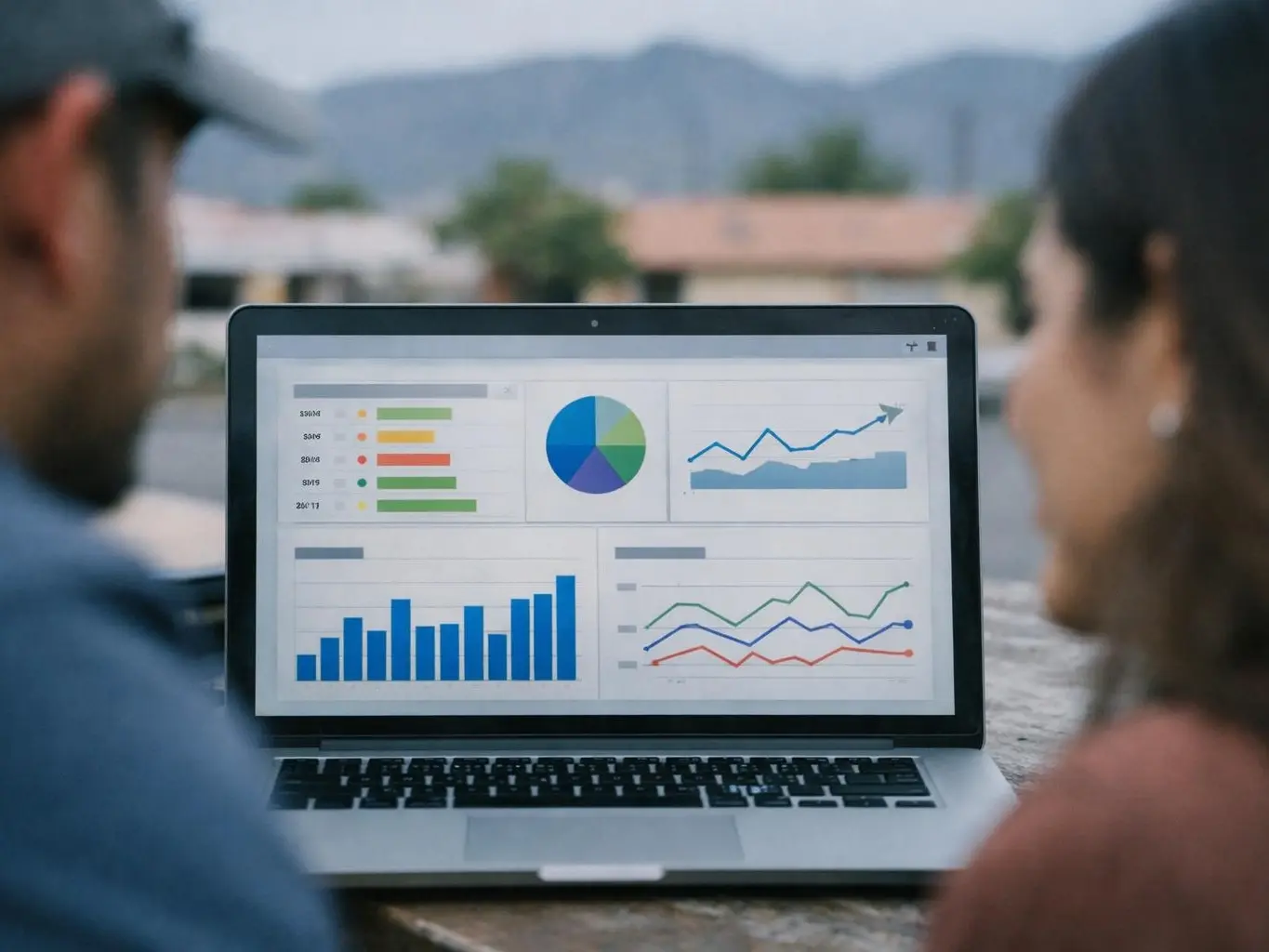
Indexing is the process where search engines like Google discover, analyze. And store web pages in their databases so those pages can appear in search results. Indexing happens after a search engine crawls a page, checks its content and structure. And decides whether to include it in its index—a giant library of all known pages.
Category
Search engine process
Used for
Making web pages discoverable in search results
Common confusion
Indexing is often mixed up with crawling
Also called
Search engine indexing, Web indexing
Often discussed with
Technical SEO, SEO Services

Indexing helps search engines sort info online. A search engine crawls a page first. Crawling means it visits and reads the page.
Related glossary terms: Crawl Budget, Google Search Console, Robots.txt.
Then it decides if the page goes in its index. The index is like a big online library. It holds info about pages it likes.
When someone searches, the engine checks its index. It finds the best pages to show fast.
Not all crawled pages get indexed. Search engines have rules for this. They skip pages with weak or copied content.
Pages blocked by robots.txt won't get indexed. So won't pages with "noindex" tags. Knowing indexing helps owners include key pages.
This way their pages reach the right people.
Indexing starts after crawling. The bot looks at the page's content. It checks images, links. And how the page is built.
It looks for keywords and headings. It sees if the page answers questions well. The bot also checks tech details.
It wants pages that load fast. They must work well on phones. They need secure connections too.
If the page meets standards, it goes in the index. Search engines update their indexes often.
A page might get indexed fast. Or it might take days or weeks. It depends on how often the site is crawled.
Tools like Google Search Console help owners. They show which pages are indexed. Owners can ask for indexing too.
This helps new content show up fast in searches.

Indexing is key for search results. Without it, great content stays hidden. When a page is indexed, it can rank for keywords.
It can bring in visitors. It can help meet business goals. Goals like sales or leads.
For businesses and blogs, indexing is step one. It leads to online success.
Indexing affects how often engines check pages. Pages updated often get indexed more. So do pages linked by others.
Good content gets indexed more too. This keeps pages fresh in searches. It brings visitors over time.
Old or unused pages get checked less. This can hide them from searches.
Indexing matters when you add new content. It matters when you update pages. Or when you launch a new site.
You want pages indexed fast. Then they can show in searches. For example, a local business in El Paso, TX.
It adds a page about services. It needs indexing to show in searches. Then customers can find it.
Indexing helps fix visibility issues. If a page doesn't rank, check indexing first. Pages can get blocked by mistake.
Or errors can stop crawling. Fixing these helps pages show again. It improves search results.
Crawling is when search engines visit and read web pages. While indexing is when they store those pages in their database for search results.
Indexing makes a page eligible to appear in search results. While ranking determines where it shows up in those results.
Robots.txt tells search engines which pages to crawl. But it doesn’t directly control indexing—meta tags like "noindex" do.
Indexing isn’t just about getting pages into the search engine’s database—it’s about ensuring they’re stored in a way that reflects their quality and relevance. Small technical issues, like slow load times or broken links, can delay or prevent indexing. So regular audits are key.
A local bakery in El Paso, TX, launches a new website with pages for wedding cakes, pastries. And custom orders. After publishing, they use Google Search Console to request indexing for each page. Within a few days, the pages appear in search results. And the bakery starts receiving online inquiries from customers searching for wedding cakes in El Paso.
Crawl Budget is the number of pages a search engine like Google will scan and index on a website within a given time period. It balances the engine’s resources with the site’s importance, size. And update frequency. Websites with large or frequently updated content must manage their crawl budget to ensure key pages are discovered and ranked efficiently.
Google Search Console is a free tool provided by Google that helps website owners, SEO professionals. And developers monitor, maintain. And troubleshoot their site’s presence in Google Search results. It provides data on search traffic, indexing status, crawl errors. And security issues, allowing users to optimize their site’s performance and visibility.
Robots.txt is a plain-text file placed in the root directory of a website that tells search engine crawlers which pages or files they are allowed or disallowed to access. It acts as a set of instructions to guide automated bots, helping website owners control what parts of their site are crawled and indexed. But it does not enforce security or block malicious bots.
Mobile-First Indexing is Google’s method of primarily using the mobile version of a website’s content to rank pages in search results. Since 2019, Google crawls and indexes the mobile version first, treating it as the main version even for desktop users. This shift reflects the growing number of people who browse the internet on smartphones rather than computers.
XML Sitemap is a structured file written in Extensible Markup Language (XML) that lists all important pages on a website. XML Sitemaps help search engines like Google discover, crawl. And index web pages more efficiently by providing a roadmap of URLs along with metadata like last update date and priority level.
SeoAgencyElPasoTX.com
Contact SeoAgencyElPasoTX.com for practical guidance on Indexing and related seo agency work in El Paso.